
Prior Authorization Software Comparison: What Independent Clinics Need to Know in 2026
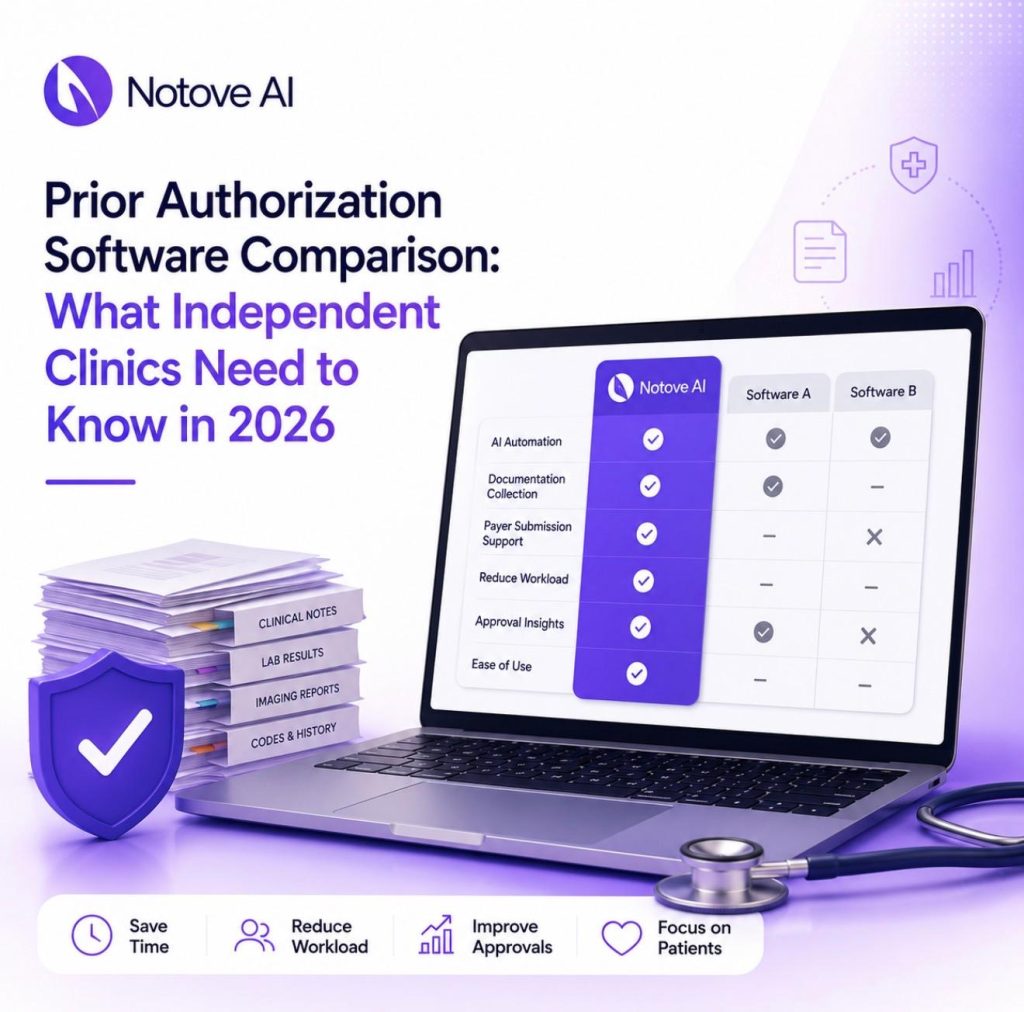
Prior Authorization Software Comparison: What Independent Clinics Need to Know in 2026 Prior authorization software is no longer optional for independent clinics trying to survive 2026’s payer rules. Volume keeps rising. Complexity keeps rising with it. Payers now ask for more specialty-specific documentation and expect faster turnaround than ever before. Large hospital systems absorb this with dedicated revenue cycle teams. Independent clinics do not have that luxury. A single missed requirement can delay a scan by weeks. A single denial can mean a write off your practice cannot afford. This article breaks down the real categories of prior authorization software on the market today. It also gives you a practical framework for choosing the right fit, especially if you run a lean, independent practice. Why Independent Clinics Still Struggle With Prior Authorization Software in 2026 The problem is not a lack of tools. It is a lack of tools built for how small teams actually work. Payer rules vary by plan, by procedure, and often by region. Staff already juggle scheduling, billing, and patient calls. Adding hours of documentation chasing on top of that pushes people toward burnout fast. Delayed care, rescheduled procedures, and frustrated patients all trace back to the same root cause. Most clinics feel this pain long before they ever open a vendor comparison page. That is exactly why choosing the right prior authorization software matters so much right now. What Prior Authorization Software Actually Means Now Vendors use the term loosely, so it helps to break the market into three honest categories. The first category checks eligibility and flags whether a procedure needs authorization at all. The second category focuses on workflow and tracking, meaning tasks, statuses, and follow up reminders. The third category is AI assisted or agentic automation, where the software helps assemble documentation and prepare submissions. Most independent clinics need a blend of all three. You want detection, document assembly, and tracking, with a human reviewing everything before it goes out. That blend is where modern prior authorization software earns its keep. The Non-Negotiable Checklist Before You Compare Vendors Before comparing any prior authorization software, independent clinics should score every option against a short list of requirements. Speed to value matters first. Ask how long setup and staff training actually take. Workflow fit matters next, since you need to know exactly who touches each request, whether that is a medical assistant, a nurse, or a biller. Payer specific intelligence is where many tools fall short. The software should understand different forms and rules across payers and procedures. It should also help gather clinical evidence like notes, imaging, and labs into a payer ready packet. Tracking, integrations, security, and reporting round out the list. Total cost should include the subscription plus any hidden labor costs your staff absorbs manually. How We Compared These Tools (Use This Process Yourself) You do not have to trust marketing claims alone. Pick three to five high volume procedures in your clinic, such as MRIs or specialty injections. Map your current process from order to approval, including every handoff. Define success metrics like turnaround time, denial rate, and staff minutes spent per request. Then run a two week pilot and measure honestly. Watch for red flags during this process. Some tools only track status without reducing any actual documentation work. Others claim automation but still require heavy manual copy and paste from your staff. Notove AI: Prior Authorization Software Built for Independent Clinics Notove AI is an AI prior authorization agent built specifically for independent and specialty clinics. It automatically gathers documentation, prepares authorization requests, and assists staff with payer submissions. That workflow can reduce prior authorization workload by up to 80 percent. The platform detects which procedures require authorization, then pulls documentation directly from your EHR. It prepares a payer specific request that staff can review and submit within seconds. This is different from generic AI tools or basic status trackers. Notove combines payer specific preparation with documentation assembly and guided submission in one place. You can read the full breakdown in this complete guide to AI prior authorization software for small and specialty clinics. Clinics using this kind of automation report gaining back more than ten hours of patient time each week. Many also report a 60 percent reduction in burnout tied to repetitive paperwork. Notove works alongside any EHR system, with no installation and a five minute setup. Every request still goes through human review before submission. That human in the loop model keeps your clinic in control while removing the busywork. If you want to see how this fits your specific EHR setup, this article on how EHR integration speeds up the prior authorization process walks through the mechanics in detail. Traditional Workflow and Tracking Platforms This category gives clinics centralized work queues, statuses, and reminders. Strengths include better visibility and fewer dropped follow ups across your team. The common gap is documentation. Staff still spend most of their time collecting evidence and translating it into payer specific submissions manually. These platforms work best for clinics that already have a dedicated prior authorization team in place. Before choosing one, verify it can attach clinical documents cleanly. Confirm it integrates with your scheduling system and supports multiple locations if you need that. Clearinghouse and Payer Portal Tools These tools focus on connectivity rather than documentation. They standardize electronic submissions and reduce login headaches across payer portals. Coverage varies significantly by payer, and documentation preparation is still largely on your staff. Edge cases often fall back to manual work regardless of the tool. This category fits clinics with a predictable payer mix and simpler documentation needs. Generic AI Scribes Are Not Prior Authorization Software Many clinics try using generic AI tools to draft prior authorization letters. This can help with faster drafting and summarizing chart notes in a pinch. It does not detect which procedures need authorization in the first place. It also does not reliably assemble the right evidence or track submission status over time.
The Real Cost of Administrative Burden on Small and Independent Clinics In 2026
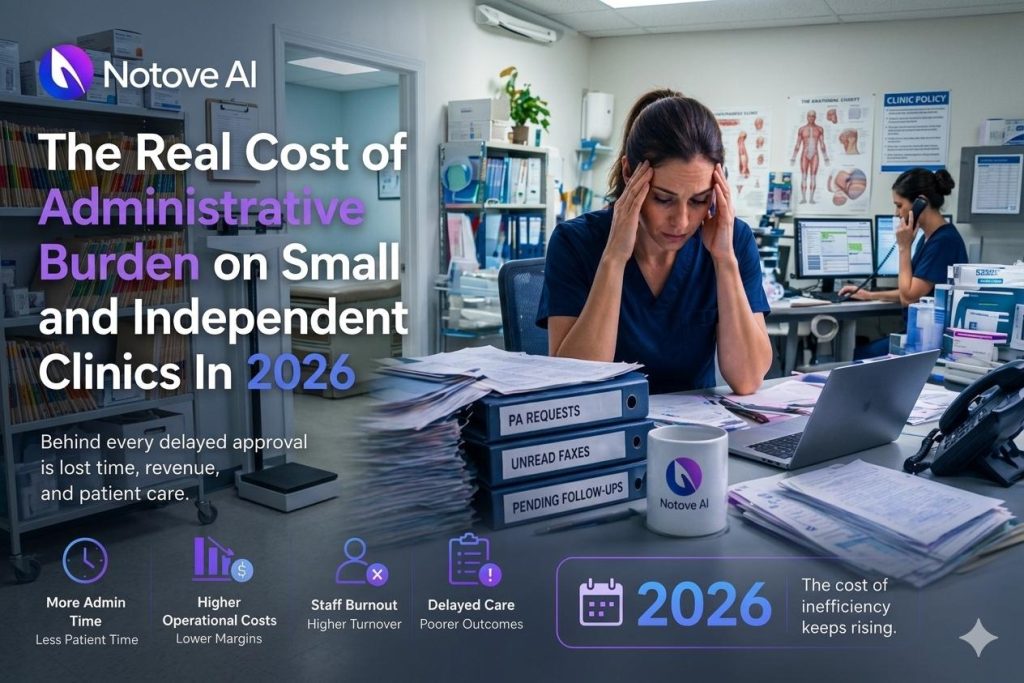
The Real Cost of Administrative Burden on Small and Independent Clinics In 2026 Independent clinics are quietly bleeding out, not from malpractice or bad clinical outcomes, but from the sheer weight of running a practice in 2026. If you own or manage a small practice, you already know the feeling: you finish seeing patients, and then the real work begins. Prior authorizations, denial appeals, credentialing renewals, payer portal logins, HR questions, and billing calls from confused patients. It does not stop, and most owners have no idea how much it is actually costing them. This article breaks down the real costs of administrative burden on independent clinics, gives you a model to quantify your own exposure, and points to practical fixes that do not require an enterprise IT budget or a team of 20. What Counts as Administrative Burden (And What Does Not) Administrative burden is not just “paperwork.” For the purposes of this article, it is every non-clinical task your practice must complete to get paid, stay compliant, and keep operations running. That includes billing and claims work, denials management, prior authorization, eligibility and benefits checks, coding documentation demands, payer portal navigation, contracting, credentialing, compliance tasks, HR, scheduling friction, and patient billing calls. What it does not include is clinical documentation that genuinely improves care quality, or true patient-facing clinical coordination, though admin-heavy workflows have a habit of bleeding into both. A useful way to sort the pile: some burden is payer-driven (authorizations, portals, claim rules), some is regulation-driven (HIPAA, reporting requirements, licensing), and some is internal process-driven (manual handoffs, duplicated data entry, undefined roles). Each category needs a different solution. The Real Cost: A 5-Bucket Model to Quantify Admin Burden Most clinic owners look at payroll and software costs, add them up, and stop there. That calculation misses most of the damage. Here is a more complete model. Bucket 1 is direct labor costs. Bucket 2 is lost clinician time. Bucket 3 is revenue leakage. Bucket 4 is technology and vendor overhead. Bucket 5 is hidden human costs like burnout and turnover. Run through each one, and you will likely find your administrative burden is worth two to four times what you assumed. Bucket 1: Direct Labor Costs (The Obvious Part) In independent clinics, the front desk, biller, medical assistant, office manager, and often the owner personally carry the administrative load. Common labor-heavy workflows include eligibility checks before every visit, claim status follow-up calls, payment posting corrections, scanning and faxing referrals, and spending time inside payer portals that are each designed differently. To estimate this cost: take the hourly loaded wage for each role (salary plus benefits and employer taxes), multiply by the hours per week spent on admin tasks, and add overtime and any temp staffing you rely on during crunch periods. One pattern that makes it worse is what operations consultants call “role drift,” meaning clinical staff end up doing non-clinical admin work because the system around them is broken. When your medical assistant spends 40 minutes a day tracking down prior auth status updates, that is clinical capacity being converted into administrative overhead. Bucket 2: Lost Clinician Time (The Expensive Part) Thirty minutes per day of physician admin time feels manageable. It is not. A physician generating $250 per clinical hour who spends 30 minutes a day on non-clinical tasks loses roughly $3,000 per month in potential collections. Multiply that across a year and across two or three providers, and the number gets uncomfortable fast. Beyond the math, there is a downstream effect that compounds the problem. When physicians are squeezed on time, visits get shorter, documentation gets rushed, and coding errors increase. More coding errors lead to more denials. More denials lead to more admin work. The loop closes on itself. Bucket 3: Revenue Leakage (The Silent Killer) Revenue leakage is the money you earned but never collected. It shows up as undercoding, missed charges, timely filing misses, denied claims that no one got around to appealing, write-offs from inaccurate eligibility checks, and bad debt from patient balances that were never clearly communicated upfront. Leakage gets worse when admin is overloaded. When one person owns too many steps with too little time, follow-up cadences slip, and partial payments go uncontested. To estimate your leakage exposure, look at your denial rate multiplied by your average allowed amount, then estimate the percentage of those denials that are never recovered. Add in your A/R aging beyond your target days. For many independent clinics, that number alone justifies a full workflow review. Bucket 4: Technology and Vendor Overhead (Death by a Thousand Tools) A typical small clinic in 2026 is running some combination of an EHR, a practice management system, a clearinghouse, an eligibility tool, a prior auth tool, an eFax service, a phone system, a patient texting platform, a payment processor, a reputation management tool, compliance training software, and a security solution. That is before you count the three or four payer portals with separate logins. The cost is not just the subscription fees. It is the implementation time, the staff training, the credentialed access setup, the password resets, the duplicate data entry between systems that do not talk to each other, and the hours your office manager spends managing vendors instead of managing operations. The term for what happens when tools do not integrate is “workflow tax.” Staff become the integration layer, manually moving data from one screen to another, which is both slow and error-prone. Here is a simplified look at where tech overhead tends to cluster in independent clinics: Tool Category Avg Monthly Cost Internal Hours to Manage Integration Risk EHR / PM System $300-$1,200 8-15 hrs High if siloed Clearinghouse $100-$400 3-6 hrs Medium Prior Auth Platform $200-$600 5-10 hrs High Patient Communication $100-$300 2-4 hrs Medium Compliance / Security $150-$500 4-8 hrs Low to Medium The dollar costs are often manageable. The internal hour costs are where small clinics get hurt. Bucket 5: Hidden Costs (Burnout, Turnover, Patient Experience) The path