
How To Implement Prior Authorization AI At Your Clinic With No IT Team Required
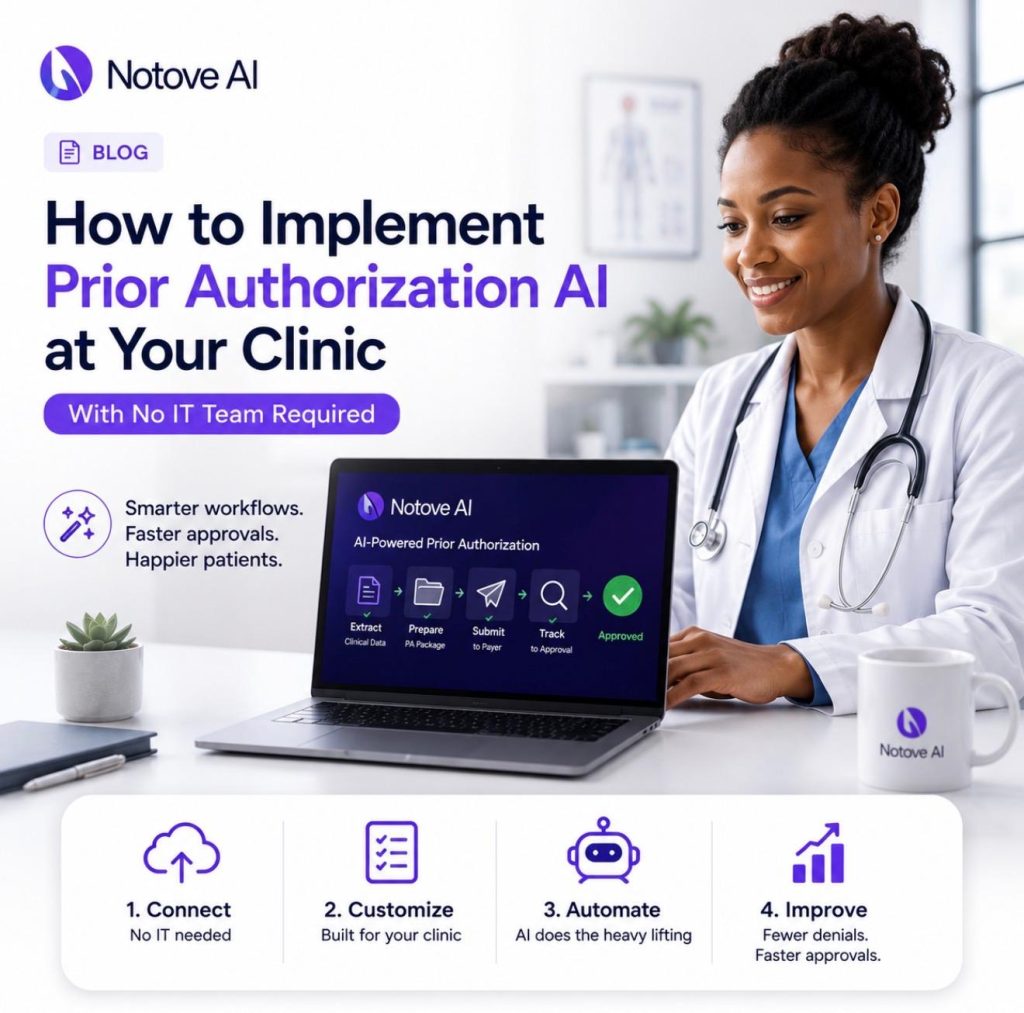
How To Implement Prior Authorization AI At Your Clinic With No IT Team Required Prior Authorization AI is quickly becoming the fastest way for small clinics to cut administrative hours without hiring anyone new. Prior authorizations steal hours from clinical and front-desk teams every single week. Delays push care out, frustrate patients, and drive up denial rates. The good news is that Prior Authorization AI does not require a hospital-sized IT department to get running. This article lays out a practical, no-IT implementation plan you can start this week. What “Prior Authorization AI” Actually Means (So You Don’t Buy the Wrong Thing) Prior Authorization AI refers to AI agents that detect PA requirements, assemble documentation, draft payer-specific requests, and track submission status. It is not a single feature. There are several product types on the market, and they are not the same thing. Templates and rules engines just automate paperwork, not decisions. RPA macros click through payer portals but do not understand clinical context. AI scribes summarize visits but never touch the submission itself. True PA agents are built specifically for payer workflows from start to finish. Human-in-the-loop design matters here too. Staff should always review and approve before anything gets submitted. Auditability and change tracking protect your clinic during payer disputes. Most tools fail because they produce generic output with no payer specificity. Weak evidence matching and no tracking loop are common failure points as well. Quick Self-Audit: Is Your Clinic Ready for Prior Authorization AI? Before adopting Prior Authorization AI, run a five-minute readiness check. Look for consistent intake, a clear procedure ordering flow, and basic document availability. Someone on staff needs to own the PA queue already. If no one owns it today, automation will not fix that gap by itself. Common friction points will not block you, but they are worth naming. Messy faxes, inconsistent note formats, and multiple payer portals are all normal. Watch for red flags that should be fixed first. Unclear ownership is the biggest one. Missing coding discipline and no denial tracking lead directly to more denials. Readiness Signal Green Yellow Red PA queue ownership One named person owns it Shared informally between two staff No one is accountable Documentation habits Notes are consistent and complete Notes vary by provider Notes are frequently missing Denial tracking Denials are logged and reviewed Denials are noted but not reviewed Denials are not tracked at all Coding discipline Diagnosis and procedure codes are checked Codes are checked occasionally Codes are rarely verified before submission Portal access Staff have consistent payer portal access Access is shared or inconsistent Access is limited to one person The No-IT Implementation Plan: What You’ll Set Up in Week One Start narrow with Prior Authorization AI. Pick one specialty workflow or one procedure type first. Prove the return on investment before expanding further. You do not need a technical team to define roles for this rollout. You need a PA lead, a clinical reviewer, one power-user champion, and a compliance point person. Week one deliverables are simple. Map the current workflow, list required documents, and pick payer targets. Define success metrics and choose a small pilot cohort. Prior Authorization AI tools like Notove are web-based, so there is no installation required. Step 1: Pick a High-Impact Pilot That Shows ROI Fast Choose one or two high-volume, high-denial services to start. MRI orders, advanced imaging, and orthopedic injections are strong candidates. Select based on monthly volume, staff minutes per request, and denial rate. Define what success looks like within thirty days. Faster turnaround, fewer touchpoints, and higher first-pass approvals all count. An MRI PA queue pilot might target cutting processing time in half. Step 2: Map Your Current PA Workflow in 30 Minutes Use a lightweight mapping method. Intake, detect PA need, gather evidence, fill forms, submit, follow up, close. Time gets lost hunting for notes and missing imaging reports. Portal re-entry and status checks eat up hours too. Handoff points between staff create most delays and denials. Standardize those handoffs before your Prior Authorization AI pilot begins. Your deliverable is a one-page workflow with clear owners. Step 3: Standardize the Documentation Packet (The Real Denial Killer) Most payer denials come from missing or weak evidence, not clinical appropriateness. This is where Prior Authorization AI earns its keep fastest. Build a pilot evidence checklist covering the essentials. Include recent notes, diagnosis codes, failed conservative therapy, imaging results, and labs. Payer requirements vary significantly, and packets need to reflect that. A cardiology PA packet looks nothing like an oncology one. The goal is an always-ready PA packet that reduces payer back-and-forth. Documentation requirements shift by payer more than most clinics expect. This guide on AI prior authorization software for small and specialty clinics covers the details. Step 4: Connect Notove AI to Your Workflow Without an EHR Integration Project Notove AI works alongside any EHR system, which matters for clinics without IT support. Start with browser-based workflows and controlled document inputs. You can expand integration later if your clinic needs it. Setup takes about five minutes and requires no downloads. Create an account, define your clinic details, and choose pilot services. Set user roles with least-privilege access between staff and reviewers. A shared inbox and queue model keeps everyone aligned. Before onboarding, gather sample PA requests, payer rules, and denial examples. If your team has questions before starting, you can always reach out to the Notove team directly. How Notove AI Handles the PA Workflow End to End Notove’s Prior Authorization AI follows a five-step loop that staff can learn quickly. Authorization Detection identifies procedures that need prior approval automatically. Documentation Collection gathers clinical evidence from your existing records. Request Preparation drafts payer-specific forms based on that evidence. Staff Review and Submit puts a human in charge of the final decision. Submission Tracking then monitors approvals, denials, and follow-ups automatically. The AI gathers and drafts, while your staff verifies and submits. Fewer tabs, fewer copy-paste steps, and more consistent packets are the