
HIPAA-Compliant Prior Authorization is no longer a nice-to-have for clinics that automate their workflows. It is the baseline requirement before any vendor conversation should even start. Prior authorization already eats up hours every week. Add a tool that mishandles patient data, and you have traded one problem for a bigger one.
Patients wait longer for care when authorization gets stuck. Revenue cycle teams fall behind on claims. Staff burn out from chasing payer portals. And every one of these issues gets worse if the automation tool itself creates audit exposure.
Most tools on the market fall short in one of a few ways. Some are generic automation scripts wearing an AI label. Some have a weak security posture that would not survive a real audit. Others ignore payer-specific logic entirely. Many skip human review altogether, which is a risk nobody in healthcare should accept.
This guide breaks down what a real HIPAA-Compliant Prior Authorization vendor should offer, and how to evaluate one without getting lost in sales language.
Prior Authorization Automation, Explained in Plain English
Prior authorization is the approval a payer requires before it will cover a procedure, medication, or imaging order. Automation touches this process at three points: before submission, during submission, and after submission.
There is a real difference between a macro, a workflow tool, and an AI agent. A macro just fills in a template. A workflow tool moves a task from one queue to another. An AI agent reads context, pulls clinical evidence, and drafts a payer-specific request.
A typical prior authorization workflow looks like this. Staff identify that a procedure needs authorization. They gather supporting evidence from the chart. They complete the payer’s form or portal. They submit it, track it, and respond to any follow-up requests or appeals.
Good automation shortens every one of these steps. It reduces the number of times a human has to touch the same request. It prevents missing information before it becomes a denial. It shortens turnaround time and keeps the process consistent across staff members.
HIPAA Basics Vendors Must Meet, Without the Legalese
Any vendor that creates, receives, stores, or transmits patient data on a clinic’s behalf is a HIPAA Business Associate. That means a signed Business Associate Agreement is not optional. If a vendor hesitates on this point, that alone should end the conversation.
The HIPAA Privacy Rule governs how patient data can be used and shared. The Security Rule governs how that data is protected technically and physically. A HIPAA-Compliant Prior Authorization tool needs to satisfy both, not just one.
The Minimum Necessary standard matters here too. Automation should only pull the data required for that specific request. Role-based access and scoped data retrieval keep exposure limited if something goes wrong.
Think through the full data lifecycle. Collection, processing, storage, transmission, retention, and deletion all carry separate risks. A vendor should have a clear answer for each stage, not a vague one-line policy.
The Vendor Evaluation Checklist: What to Look For
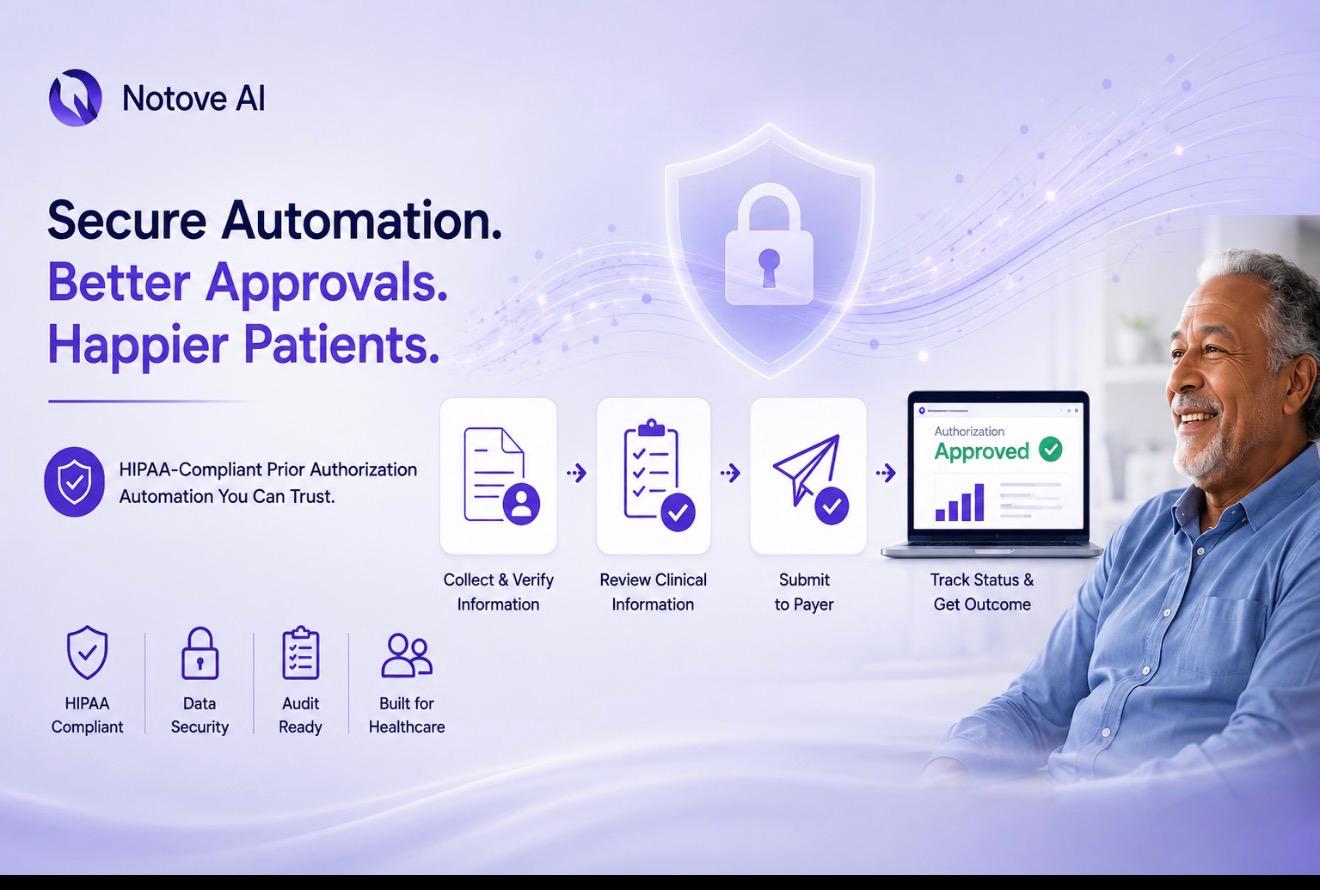
This is the core of any buying decision. Build an internal scorecard before you take a single sales call. Score each vendor across compliance, security, workflow fit, outcomes, implementation, and support.
Ask for documentation at every step. Policies, audit reports, and security overviews should be available in writing. Confirm every verbal answer actually appears in the contract or the BAA itself.
The table below is a simple scorecard you can use during vendor calls. Score each category from one to five and total it at the end.
| Evaluation Category | What to Verify | Weight |
|---|---|---|
| BAA and HIPAA readiness | Signed BAA, breach notification terms, subcontractor coverage | High |
| Security controls | Encryption, MFA, RBAC, audit logs, SOC 2 status | High |
| AI safety | Human review, source-grounded extraction, no PHI used for training | High |
| Workflow fit | Specialty support, exception handling, task routing | Medium |
| Documentation assembly | Payer-specific packets, validation checks, version control | Medium |
| Submission tracking | Status visibility, follow-up reminders, denial capture | Medium |
| EHR compatibility | Integration depth, data mapping, duplicate work prevention | Medium |
| Reporting | Turnaround time, denial rate, compliance logs | Low |
| Implementation and support | Onboarding timeline, training, SLA response times | Low |
| Pricing and contract terms | Ownership, exit plan, hidden costs | Low |
1. HIPAA Readiness: BAA, Policies, and Accountability
Confirm the vendor will sign a BAA before anything else. Ask them to define permitted uses and disclosures in plain terms. Find out who acts as their Security and Privacy Officer equivalent.
Ask how they handle incidents when something goes wrong. Ask about workforce training, access reviews, and sanction policies on their end. The contract needs to cover subcontractors and set clear breach notification timelines.
2. Security Controls That Actually Protect PHI
Encryption in transit and at rest is table stakes. Ask how they manage encryption keys, not just whether encryption exists. Access controls should include SSO, MFA, role-based permissions, and session timeouts.
Audit logs need to capture user actions, document access, and exports. Ask how long logs are retained and whether you can export them yourself. Look for third-party assurance such as SOC 2 Type II or a recent penetration test summary.
3. AI Safety and Compliance: How the Model Touches Patient Data
Ask exactly where AI touches the workflow. Is it extracting clinical evidence, drafting letters, or filling payer-specific forms? Each of these carries different risk levels.
Human-in-the-loop review before submission is not optional in a clinical setting. Confirm patient data is never used to train public models. Ask about hallucination controls, like requiring citations from the actual chart entry.
Explainability matters for audits. A HIPAA-Compliant Prior Authorization tool should show exactly which note, date, and section supported each claim. That transparency protects the clinic if a payer or auditor pushes back later.
4. Workflow Fit: Does It Match How Clinics Actually Work?
Specialty clinics have different documentation needs than primary care. Radiology, orthopedics, cardiology, and oncology all face different payer rules. A good vendor should already understand these differences.
Ask how the tool handles missing data or unclear documentation. Ask how peer-to-peer reviews, appeals, and retro authorizations are routed. If you want a deeper breakdown of how different platforms handle this, our prior authorization software comparison walks through the differences clinic by clinic.
5. Documentation Assembly: The Real Driver of Denials
Most denials come down to incomplete or mismatched documentation. Ask how the tool gathers diagnoses, failed conservative therapy notes, and imaging results. It should build a payer-specific packet automatically, not just a generic form.
Validation checks matter here too. The system should flag missing CPT and ICD pairings before submission happens. Version control should show exactly what was submitted, when, and by whom.
6. Submission Assistance and Status Tracking
Ask which submission methods the tool supports, including payer portals and fax workflows where relevant. Status visibility should show pending, approved, and denied states with timestamps attached. Follow-up reminders should exist for aging requests automatically.
Denial reasons need to be captured and reported, not just logged and forgotten. This data becomes the foundation for reducing future denials on the same procedure types.
7. EHR Compatibility and Integrations
Some vendors say they integrate with any EHR. Others simply mean they work alongside your EHR without deep integration. These are very different claims, so ask which one applies.
Ask about data mapping, templates, and how permissions align with your existing EHR roles. Our guide on how EHR integration speeds up the prior authorization process covers this in more depth if integration is a priority for your clinic.
8. Reporting: Prove ROI Beyond Time Saved
Track baseline metrics before you start, including time per request and denial rate. A good dashboard shows volumes by payer, procedure type, and specialty. It should also show where bottlenecks are forming.
Compliance reporting matters just as much as operational reporting. Access logs, submission history, and retention settings should all be visible to your team on demand.
9. Implementation, Training, and Support
Ask how quickly you will see value after signing. Some tools take months to configure properly. Others, especially web-based platforms, can show results within days.
Training should be role-based, covering front desk staff, authorization specialists, and clinicians separately. Ask about support SLAs and whether a dedicated contact handles payer-related issues.
10. Pricing and Contract Terms to Scrutinize
Pricing models vary between per-provider, per-request, and tiered usage structures. Ask about hidden costs tied to integrations or additional users. Confirm data ownership, retention rules, and what happens if you leave the platform.
A pilot structure with clear success metrics protects you before committing long-term. Set a go or no-go decision point in writing from day one.
Red Flags: Signs a Vendor May Increase Your Risk
A vendor that refuses to sign a BAA is disqualifying on its own. If they cannot explain where patient data is stored or who can access it, walk away. Vague language about using data to improve models is a serious warning sign.
No audit trail means no way to reproduce what was actually sent to a payer. Overpromising fully autonomous submission with zero human review ignores real clinical risk. Generic templates with no payer-specific validation will not reduce your denial rate.
A Practical Buying Process, In Two to Three Weeks
Start by mapping your current workflow and quantifying the baseline. Count requests per week, current denial rate, and time spent per request. Define your must-haves versus nice-to-haves before any demo call.
Run a security and compliance review early, not after you have already decided. Pilot with one or two payers and a single high-volume specialty line. Measure results, lock in your standard operating procedures, and expand payer by payer from there.
For a broader look at how AI is reshaping this space, our AI prior authorization software guide is a useful next read for small and specialty clinics.
Why Notove AI Is a Strong Option for HIPAA-Compliant Prior Authorization
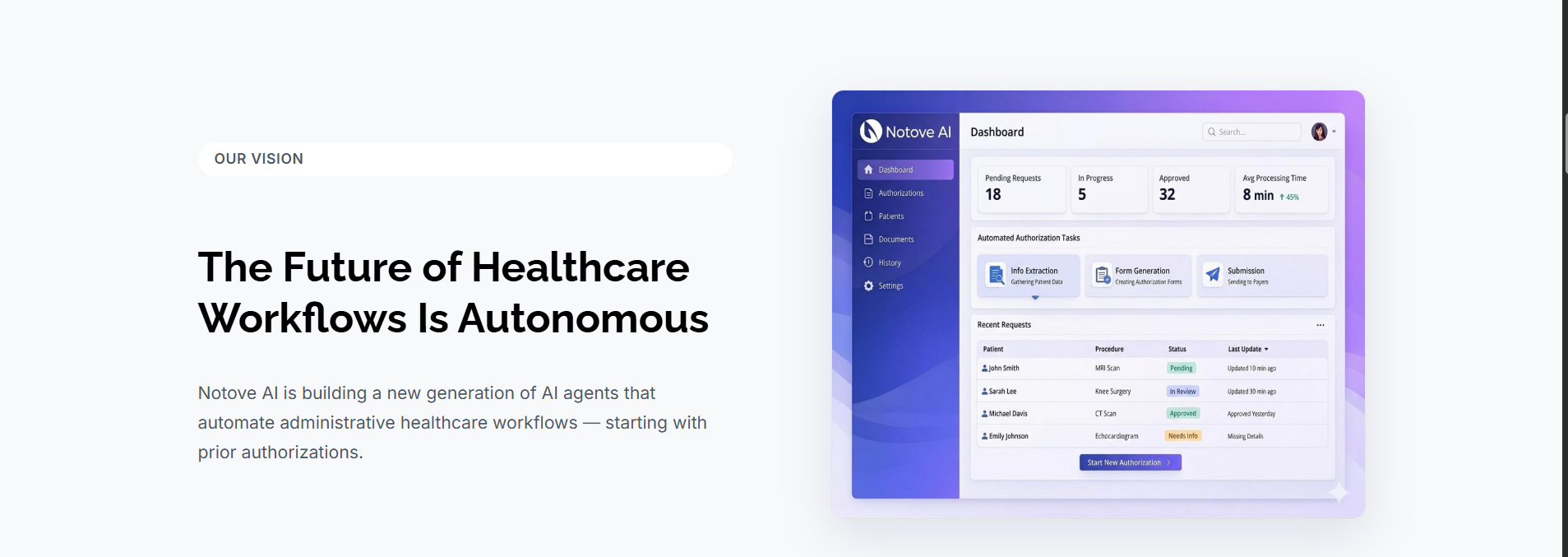
Notove AI was built specifically to handle the repetitive, non-clinical parts of prior authorization. It is designed to reduce authorization workload by up to 80 percent for clinics that adopt it.
HIPAA compliance is not an afterthought for Notove. It runs on enterprise-grade encryption, secure data handling, and regular security audits, with a BAA available during procurement.
The workflow mirrors what real clinics need, moving from authorization detection to documentation assembly, request preparation, staff review, and submission tracking. It requires no installation and sets up in about five minutes, which matters for small practices without a dedicated IT team.
Staff always review a request before it goes out. That human oversight keeps accuracy high while giving clinics full compliance control. It supports radiology, orthopedic, cardiology, oncology, and primary care workflows out of the box.
If administrative paperwork is driving burnout on your team, our article on how AI can reduce physician burnout breaks down ten specific ways automation helps.
Prior authorization does not have to drain your staff’s time or put patient data at risk. If you want a HIPAA-Compliant Prior Authorization partner built for clinics like yours, get in touch with the Notove AI team to see how early access works.
FAQ
What is prior authorization automation?
Prior authorization automation is software or AI that streamlines the steps involved in getting payer approval. It identifies which procedures need authorization, assembles supporting documentation, and prepares the forms or letters. It does not replace clinical judgment. It reduces administrative work and cuts down on missing-information errors.
How do I know if a prior authorization automation vendor is HIPAA compliant?
Look for a clear willingness to sign a BAA before anything else. Documented security controls, access logs, encryption, and an incident response process should all be in place. Ask for third-party assurance like a SOC 2 report and a written PHI handling policy.
Does a prior authorization vendor need to sign a BAA?
Yes, if the vendor creates, receives, maintains, or transmits patient data on your behalf. This makes them a Business Associate under HIPAA. Make sure the agreement covers any subcontractors and spells out breach notification timelines clearly.
Can AI be used for prior authorizations safely?
Yes, when it is designed with human review, audit trails, and evidence pulled directly from the chart. Confirm the vendor does not use patient data to train public models. Ask for transparency on which model providers they use and how long data is retained.
Will prior authorization automation reduce denials?
Often, yes. The biggest lever is completeness and accuracy against payer-specific requirements. Common denial drivers include missing notes, mismatched codes, and insufficient medical necessity evidence. Automation helps catch these issues before submission instead of after a denial letter arrives.
What security features should prior authorization software have?
At minimum, look for encryption at rest and in transit, role-based access, and MFA or SSO support. Audit logs, secure backups, and active vulnerability management should also be standard. SOC 2 Type II certification and recent penetration test results are strong additional signals.
How long does it take to implement prior authorization automation in a clinic?
Implementation time depends on integration depth and how much workflow change is required. Heavier EHR integrations naturally take longer to configure properly. Web-based tools that require no installation, like Notove AI, can often show value within days rather than months.
Does prior authorization automation integrate with my EHR?
Some tools offer deep API or FHIR-based integration directly into your EHR. Others work alongside your EHR without a direct connection. Ask specifically what data is pulled, how documents attach, and how permissions align with your existing EHR roles.
What should be included in a prior authorization audit trail?
A complete audit trail shows who accessed patient data and what was generated or edited. It should log what was submitted, exact timestamps, payer responses, and any attachments involved. This matters most during disputes, resubmissions, and formal HIPAA audits.
What is the difference between prior authorization automation and RPA?
RPA, or robotic process automation, mimics clicks and form entry on existing systems. It tends to break when a payer portal changes its layout. AI-based automation can actually understand documents, extract clinical evidence, and generate payer-specific drafts, though it still needs human review controls in place.
How is Notove AI different from generic prior authorization tools?
Notove AI covers the full prior authorization lifecycle, from detection through documentation, request preparation, staff review, and tracking. It is built specifically for specialty clinics and primary care practices. It requires no installation, sets up in minutes, and takes a HIPAA-forward approach from the start. Early access includes priority onboarding support for clinics ready to get started.