
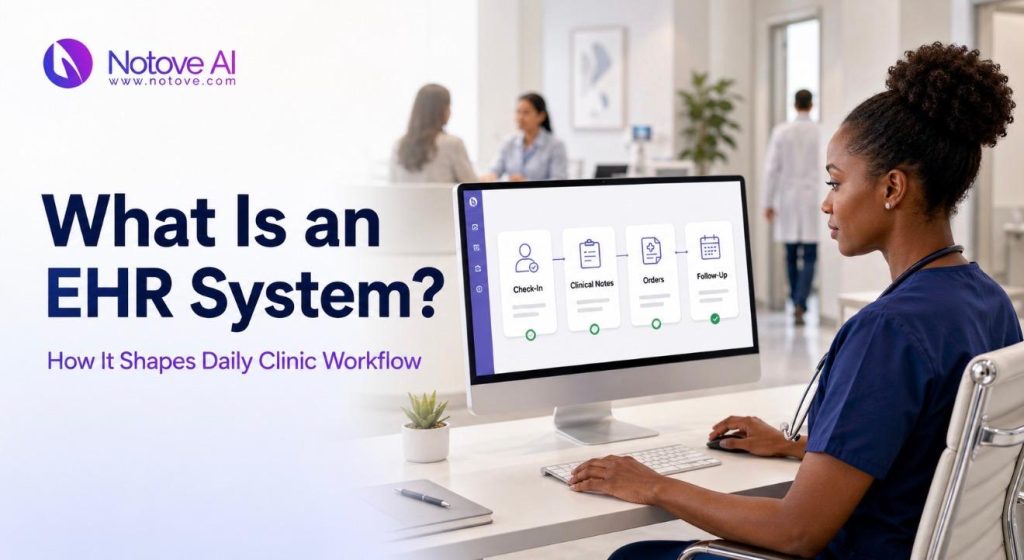
An EHR system quietly runs the background of almost every clinic day. Phones ring at the front desk. Charts need review before the first patient walks in. Labs come back, bills go out, and patients call with questions. All of it competes for the same limited hours. Most clinics assume an EHR is simply a digital filing cabinet. In reality, it decides how fast a patient moves through a visit. It also shapes how clean a claim looks and how much extra work staff carry home. This article breaks down what an EHR system actually is, and how it touches every step of a patient’s day. Maybe you are comparing systems, fixing a bottleneck, or planning a rollout. This article gives you a clear, practical picture either way.
What an EHR System Is
An EHR system is a digital platform that stores and manages patient health information over time. It is used by clinicians, nurses, and administrative staff across every visit. People often confuse an EHR with an EMR, but the two are different. An EMR usually stays within one practice, while an EHR is built to share data across providers and organizations. A practice management system, by contrast, handles scheduling and billing rather than clinical data. Most EHR systems include a patient chart, clinical notes, a problem list, medications, allergies, immunizations, orders, and results. An EHR system is not just a record. It is a workflow engine that routes tasks, prompts documentation, and generates billing output.
Why EHRs Became the Operating System of a Clinic
Clinics did not adopt an EHR system purely for convenience. Coordination, compliance, and billing accuracy pushed the shift forward. Payer requirements, quality reporting programs, and audit risk all demand structured data. Patients also expect faster access to their own records through portals. An EHR system does more than store information passively. It shapes staff behavior, dictates daily cadence, and influences how quickly a clinic can respond to problems.
Clinic Workflow 101: The Steps an EHR Touches
Clinic workflow is the full sequence of tasks from scheduling through follow-up. An EHR system touches nearly every one of those steps directly. The general flow runs from scheduling and intake to the clinician encounter. From there it moves through orders, documentation, billing, follow-up, and reporting. Each role experiences the EHR differently. Front desk staff see registration screens. Nurses see flowsheets. Providers see notes and orders. Billing staff see claims and denials.
| Clinic Role | Primary EHR System Touchpoint | Typical Daily Time Spent |
|---|---|---|
| Front desk staff | Registration, eligibility checks, scheduling | 2 to 3 hours |
| Medical assistant or RN | Intake flowsheets, vitals, medication reconciliation | 3 to 4 hours |
| Provider | Clinical notes, orders, decision support alerts | 4 to 6 hours |
| Billing staff | Charge capture, coding review, claims submission | 3 to 5 hours |
| Practice manager | Inbox oversight, reporting, template maintenance | 1 to 2 hours |
How an EHR System Shapes the Pre-Visit Stage
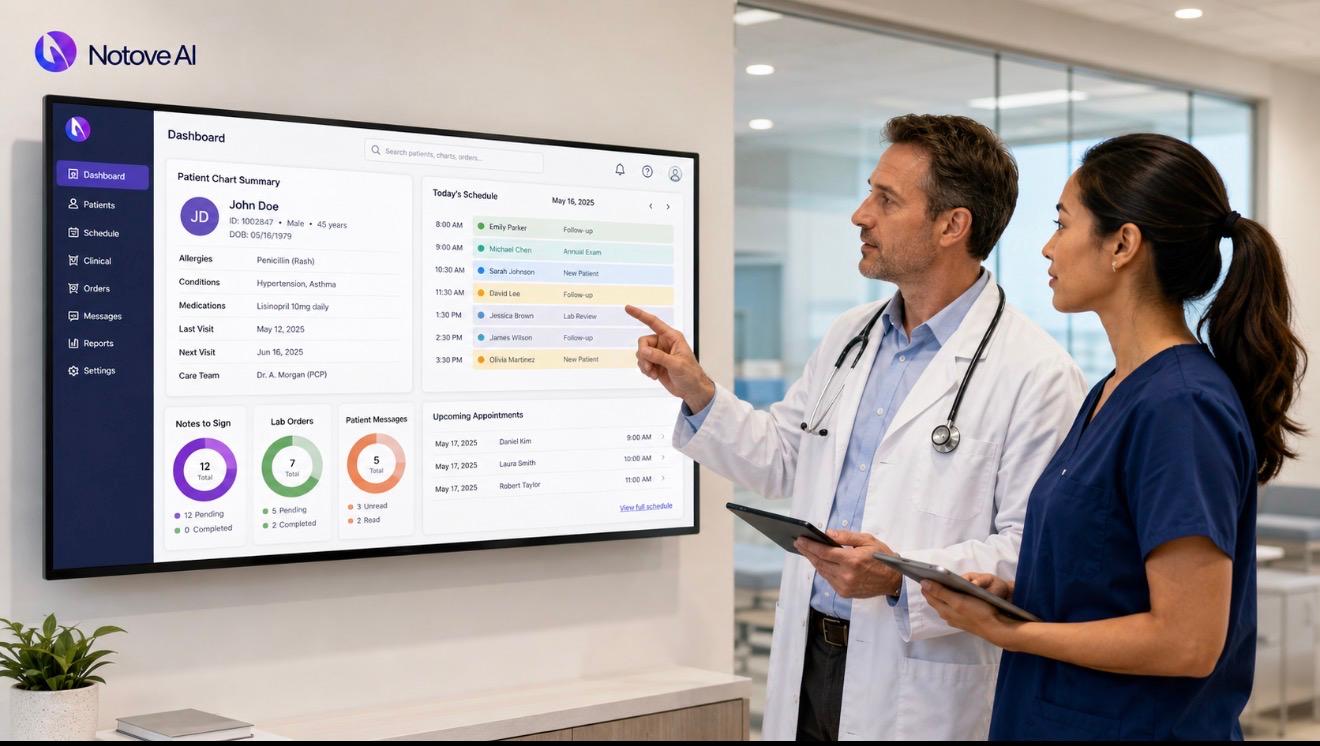
Before a patient arrives, an EHR system already has work to do. Scheduling covers appointment types, visit lengths, and provider calendars. Registration collects demographics, insurance details, and consent forms. Many systems support real-time eligibility checks to catch coverage problems early. Reminders and digital intake forms cut down on no-shows and paperwork at check-in. Common bottlenecks appear when insurance data is incomplete or visit types are not standardized. A well-configured EHR system reduces duplicate data entry before it starts.
How an EHR System Shapes Intake
During intake, an EHR system captures vitals, chief complaints, and screening results. Medication reconciliation and allergy documentation happen here too, and structured fields matter more than free text. Triage routing sends urgent concerns to the right provider quickly. Good intake design means standardized templates and minimal clicks. Poor design leads to template bloat, unnecessary required fields, and workarounds like sticky notes.
How an EHR System Shapes the Clinician Encounter
The clinician encounter is where an EHR system earns its reputation, good or bad. Documentation can happen through free text, templates, macros, or voice dictation. Each method trades speed against data quality differently. Order entry for labs, imaging, and referrals is standardized through order sets, which reduces variation. Clinical decision support flags drug interactions and care gaps, though too many alerts cause fatigue. After-visit summaries turn the encounter into clear next steps for the patient. Complaints that the EHR system makes visits longer often trace back to configuration and training, not the software itself.
How an EHR System Shapes the Post-Visit Stage
Once the visit ends, an EHR system manages results and follow-up tasks. Lab interfaces route results into an inbox for provider review. Abnormal results need clear escalation paths and patient notification steps. Tasking assigns refill requests, prior authorization work, and referral tracking to the right staff member. Every result and referral needs a named owner and a defined next step. Unmanaged inboxes and unclear ownership are the most common failure points here.
How an EHR System Shapes Billing and the Revenue Cycle
Billing depends on a clear chain: documentation, coding, claims, and payment. An EHR system links all four stages together directly. Charge capture accuracy depends on a clean problem list and complete procedure notes. Understanding coding basics matters here too. Staff wanting a clearer picture of how procedures translate into codes can review this plain English guide to CPT codes. Denial prevention relies on eligibility checks, prior authorization documentation, and correct modifiers. Revenue cycle delays usually start with incomplete front-desk data or thin clinical notes.
Interoperability and Information Flow Beyond the Clinic
Interoperability means an EHR system can receive outside records and share summaries with other providers. Practical channels include patient portal downloads, electronic referrals, and health information exchanges. This connectivity also supports broader care models. It shapes how an accountable care organization coordinates care across multiple providers. Fewer phone calls and faxes mean faster medication histories and less repeat testing. Interfaces cost money to build and maintain, and weak interoperability quickly creates staff workarounds.
The Hidden Workflow Costs of a Poorly Configured EHR System
Friction inside an EHR system is usually a design problem, not a software problem. Too many required fields and weak default settings slow everyone down. Alert fatigue happens when safety warnings get buried under routine popups, and important ones get ignored. Duplication occurs when staff re-enter the same data across different modules. Worth tracking closely: time to close notes, inbox volume per provider, no-show rate, and claim denial rate.
What a Well-Run EHR System Workflow Looks Like
A strong EHR system workflow follows a few consistent principles. Role-based task ownership keeps front desk, clinical, and billing work clearly separated. Standardization helps in visit types and order sets, while flexibility matters for clinical nuance. A single source of truth for medications, problems, and allergies avoids conflicting records. Every task needs an owner, a due date, and a defined closure step. Quarterly template cleanup and short training refreshers keep the system from drifting into chaos.
Choosing an EHR System With Workflow in Mind
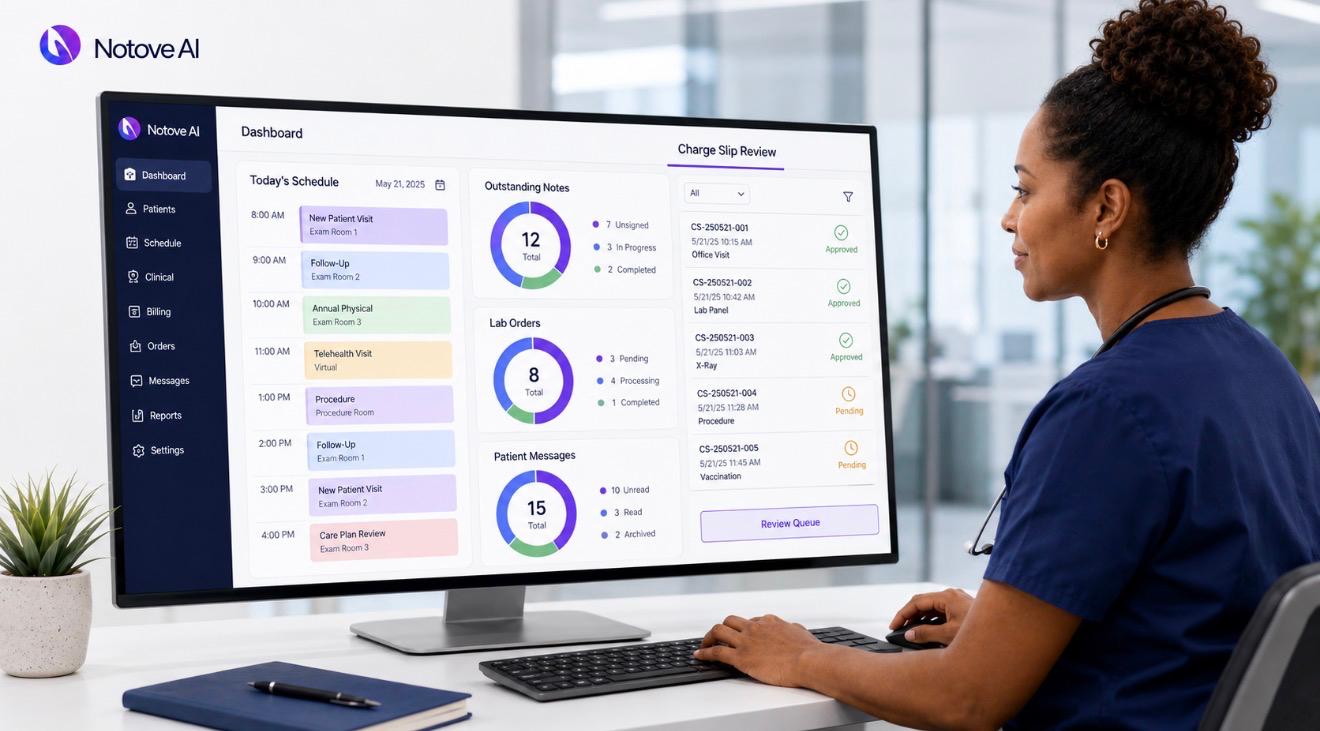
Start with your actual workflows, not a feature checklist. Map the current patient journey and identify your top five bottlenecks first. Ask vendors specific questions about configuration flexibility, templates, mobile access, and lab interfaces. Run a usability test where each role works through a mock day. Ask about chart conversion, downtime planning, and realistic training time. Factor in the full cost, including licensing, interfaces, and ongoing support.
Rolling Out an EHR System Without Breaking Operations
Clinics can choose a phased rollout or a single go-live date, depending on size and complexity. Define future-state workflows, policies, and staff roles before the switch happens. Training works best when it is role-based, scenario-based, and supported by at-the-elbow help. Set clear rules for template ownership and documentation naming conventions early. After go-live, prioritize fixing inbox routing, templates, and order sets first, then measure the results.
Where AI Fits Into the EHR System Workflow
AI is increasingly layered on top of an existing EHR system rather than replacing it. Common use cases include note drafting, visit summaries, message triage, and prior authorization support. Guardrails matter here, including PHI handling, audit trails, human review, and hallucination checks in clinical content. When evaluating an AI tool, look closely at accuracy, time saved, and integration depth. Many clinics start with a general overview, like this step by step guide to prior authorization for primary care. From there, some move into specialty tools, such as this look at modern prior authorization tools for specialty clinics.
Wrap-Up: The Simplest Way to Think About an EHR System
An EHR system is the clinic’s workflow backbone, not just a record-keeping tool. A well-configured system speeds up care, while a poorly configured one creates friction at every step. The path forward is straightforward: map your workflows, assign clear ownership, standardize where it helps, and measure results consistently. If prior authorization is one of your bottlenecks, it may be worth seeing what Notove AI is building. You can explore the platform directly, or join the waitlist to get early access as new features roll out.
Frequently Asked Questions
What is the difference between an EHR system and an EMR?
An EMR typically stores patient data within a single practice only. An EHR system is designed to share that data across multiple providers and organizations. This makes an EHR system more useful for coordinated, long-term patient care.
Does an EHR system slow down patient visits?
Not by design, though poor configuration often causes this complaint. Excessive required fields, weak templates, and alert fatigue are the usual causes. Fixing workflow design, not replacing the software, is often the real solution.
How long does it take to implement a new EHR system?
Timelines vary widely depending on clinic size and data migration needs. Smaller practices may go live in a few weeks with a phased approach. Larger clinics often need several months for training and workflow redesign.
Can an EHR system help reduce prior authorization workload?
Yes, particularly when paired with AI tools built for that specific task. An EHR system holds the clinical documentation that authorization requests require. Tools that sit on top of the EHR can pull that data automatically and speed up submissions.
What should a clinic prioritize when evaluating a new EHR system?
Start with workflow mapping instead of a feature list. Identify your current bottlenecks across scheduling, intake, documentation, and billing. Then test how well each EHR system candidate addresses those specific problems during a live demo.